A single misconfigured directive in robots.txt can remove your entire website from Google search results. No warning. No grace period. Just gone. This is what that file actually does — and how to get it right.
User-agent: *
Disallow: /

# This blocks everything.
# Every page. Gone.
Not a security tool. Not a sitemap. A set of instructions crawlers choose to follow.
Robots.txt lives at your domain root — always at yourdomain.com/robots.txt. It contains instructions for web crawlers: which paths to visit, which to skip, and how fast to crawl. Every major search engine reads it before doing anything else on your site.
Crawlers are not required to obey robots.txt. Googlebot follows it as a strong convention. But malicious bots ignore it entirely. This distinction matters: robots.txt is not a firewall. Blocking a URL in robots.txt does not make it private — it just asks Google not to crawl it.
These are two entirely different mechanisms. Disallow tells crawlers not to visit a URL. Noindex tells them not to include it in search results. Confusing them creates situations where pages are crawled but not indexed, or blocked from crawling but still appearing in results from old cached data.
Googlebot allocates a crawl budget per domain. Robots.txt helps you direct that budget toward pages that matter. Without proper configuration, crawlers spend time on login pages, duplicate parameter URLs, and admin paths — leaving important content under-crawled.
In 2018, a publicly documented deployment error at a major retail site left a Disallow: / directive active for nearly 48 hours. Organic traffic dropped to near zero within that window. Recovery took weeks even after the file was corrected.
This is not an edge case. Version control mistakes, staging environment files copied to production, and miscommunication between developers and SEO teams cause these events regularly. The file is small. The consequences are not.
See Documented Cases

No jargon. No assumed knowledge. Just what each line does.
The asterisk is a wildcard. This line means the rules below apply to every bot that reads this file. You can target specific crawlers by name — User-agent: Googlebot — to create rules that only apply to Google's crawler while allowing others.
This tells crawlers not to visit any URL that starts with /admin/. The trailing slash matters. Without it, you might accidentally block /administrator/, /admissions/, or any path beginning with those characters. Precision here prevents unintended consequences.
When you block a broad path, Allow lets you re-open specific subdirectories within it. Order matters: more specific rules take precedence. This directive is commonly misunderstood as the default state — it isn't. You only need Allow when overriding a broader Disallow.
Requests Googlebot wait 10 seconds between requests. Note: Google does not officially support Crawl-delay in robots.txt. For Googlebot specifically, use Google Search Console's crawl rate settings. Crawl-delay does work for other crawlers like Bingbot.
This is the one directive in robots.txt that actively helps discovery rather than restricting it. Listing your sitemap here means any crawler that reads robots.txt also finds your sitemap, even if you haven't submitted it via Search Console. Always include this line.
Modern Googlebot doesn't just read HTML. It executes JavaScript and applies CSS, building a rendered view of your page before deciding how to index it. This matters for single-page apps, lazy-loaded content, and any page where text appears via JavaScript.
If your robots.txt blocks /wp-content/ or /assets/, Googlebot can't load your stylesheets or scripts. The rendered page looks like a broken HTML document from 1998. Google may lower the quality score of that page or struggle to understand its content.
Default WordPress setups sometimes block /wp-includes/ and /wp-content/. These directories contain core scripts that Google needs to render your theme. Many site owners inherit these blocks from old tutorials written before Google began rendering JavaScript.
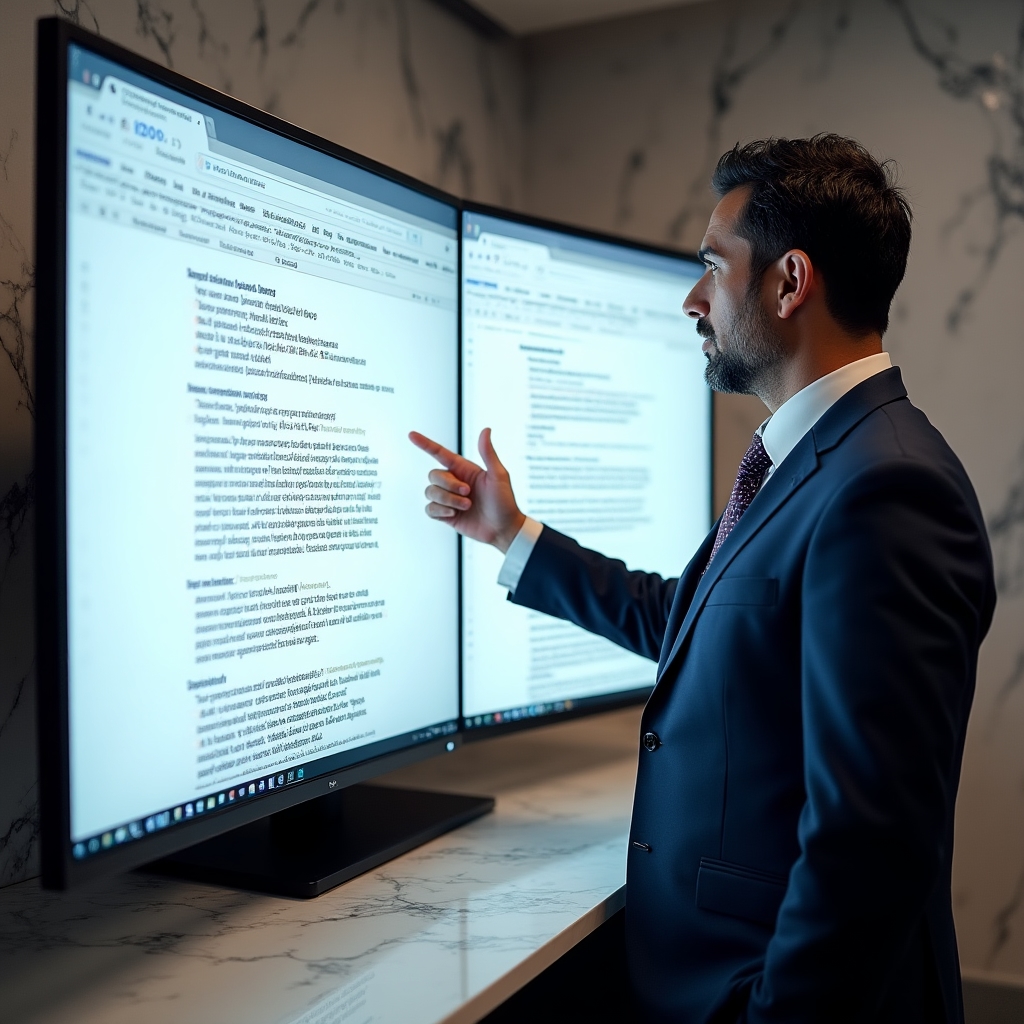
Google Search Console includes a URL Inspection tool. Paste any URL and click "Test Live URL." The rendered screenshot shows exactly what Googlebot sees. If it looks broken, something is being blocked. This test takes under a minute and can reveal years-old configuration errors.
Changes to robots.txt take effect immediately. Test them somewhere else first.
Google Search Console has a robots.txt Tester under the legacy tools section. You can paste your current file, modify it, and test specific URLs against the modified version. No deployment required. The tool shows which rule matches each URL you test.
Several open-source tools parse robots.txt files locally. Tools like robotparser in Python's standard library let you write a script that tests hundreds of URLs against a proposed robots.txt before it ever goes live. Automate this in your deployment pipeline.
Your staging environment should have robots.txt blocking all crawlers. Your production environment should not inherit the staging file. These two facts cause more disasters than any other robots.txt scenario. Make the staging block explicit and version-controlled separately from production config.
After any change to robots.txt, watch Google Search Console's Coverage report for 48-72 hours. A sudden rise in "Excluded by robots.txt" URLs signals something went wrong. Catching it within hours limits the crawl disruption and speeds recovery.
These incidents are publicly documented. Names vary — patterns don't.
A development team deployed a staging robots.txt to production during a platform migration. The file contained Disallow: / for all user agents. The site had indexed several thousand product pages. Within 72 hours, crawling stopped. Within two weeks, pages began dropping from the index. The team discovered the issue only when organic traffic dropped significantly and a developer manually checked the live file.
An SEO consultant added a rule to block URL parameters used for session tracking: Disallow: /*?sessionid=. The wildcard pattern was broader than intended and matched many article URLs that used query strings for pagination. Hundreds of article pages stopped being crawled. The fix was straightforward, but identifying the root cause took days because the symptoms looked like a content quality issue.
A developer was asked to "remove the blog from Google" during a rebrand. They added Disallow: /blog/ to robots.txt instead of adding noindex meta tags to the blog pages. The blog URLs disappeared from crawling immediately. However, old cached versions appeared in results for weeks. When the rebrand ended and they wanted the blog re-indexed, it took months to rebuild the crawl history that had been lost.
An old robots.txt entry blocked /themes/ to prevent crawlers from indexing the theme directory directly. This also blocked Googlebot from loading the site's CSS and JavaScript. For over a year, Google was rendering the site without any styles. Rankings for competitive terms gradually declined as quality signals dropped. The issue was only found during a technical audit triggered by the ranking decline.

The patterns behind these disasters, what recovery actually looks like, and which mistakes appear most often across different site types.
Deep Dive: The Line We Don't CrossThe official robots exclusion protocol is a starting point. Google's actual crawling behavior — how it prioritizes URLs, handles contradictory signals, and weighs robots.txt against other directives — goes significantly further than the public documentation suggests.
Patent filings from Google describe mechanisms for inferring page importance from crawl patterns, handling robots.txt caching behavior, and resolving conflicts between robots.txt and canonical tags. Understanding these mechanisms changes how you think about configuration.
Explore Google Patents Decoded
Disallow prevents future crawling but doesn't remove existing indexed content. To remove it from the index, you need a noindex tag on the page (and the page must be crawlable to receive it), or you can use Google Search Console's URL Removal tool for temporary removal while you apply the proper fix.
Indirectly, yes. A clean robots.txt that blocks only what should be blocked gives Googlebot more crawl budget for your important pages. A bloated or overly restrictive file forces Google to spend crawl capacity figuring out what it's allowed to access — slowing discovery of new content.
Yes, and this is useful. You can give Bingbot different rules than Googlebot, or apply rate limiting specifically to aggressive scrapers. Each User-agent block applies only to the named crawler. Just be careful: a wildcard block applies to everything not specifically named elsewhere in the file.

Robots.txt documentation exists. It's dry, it's incomplete, and it doesn't warn you about the ways things go wrong in production environments. This blog fills that gap.
Each post is researched against current Google documentation, patent filings, and publicly documented incidents. No speculation. No "best practices" that haven't been tested. Just what the file does, what can break, and how to verify your configuration before it costs you.
Get in Touch